
Download Gate of Galaxy
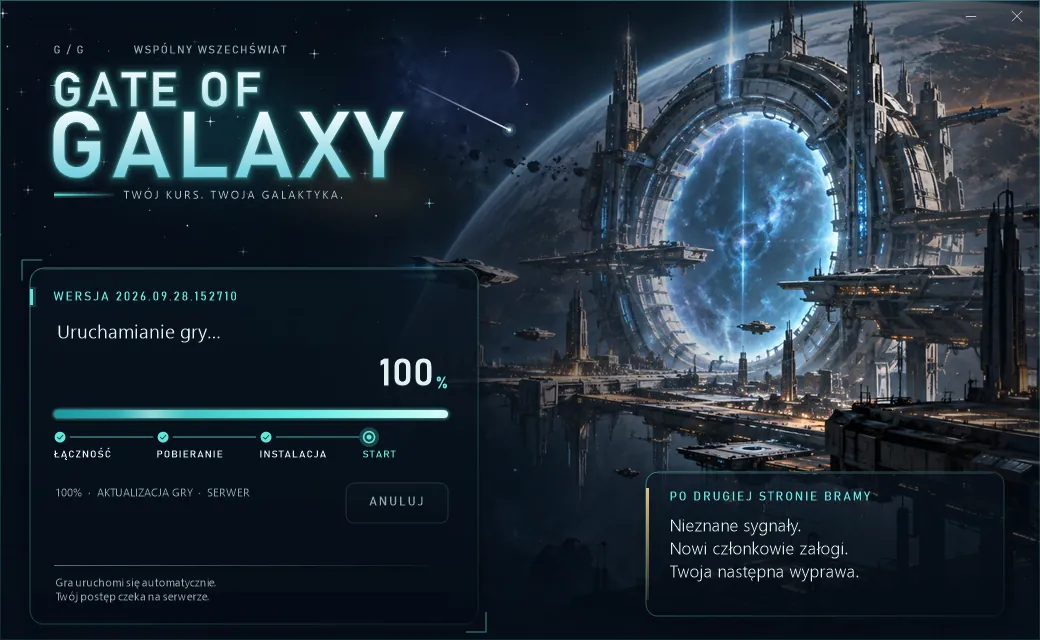
One start package: the game and the Graj.exe launcher, which fetches every later update from the game server by itself.
The package is temporarily unavailable — try again in a few minutes.
Launcher onlySmall file: Graj.exe in an empty folder downloads the whole game from the server by itself.
The Graj.exe launcher is inside the package — it updates itself and verifies file integrity.
Installation
Download
Download the ZIP start package from this page.
Extract
Extract the whole game folder somewhere you can write files (not Program Files).
Run Graj.exe
You have 3 seconds to pick a server. The launcher downloads the newest version and starts the game.
Sign in
Use the account created on this site or in the game — it is the same account.
Always the latest version
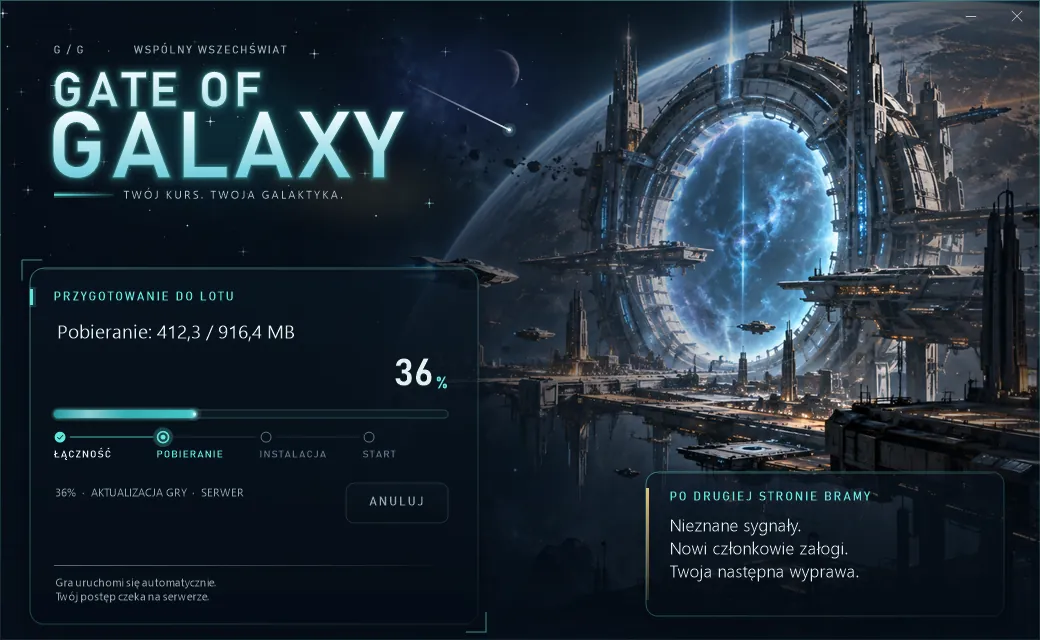
We always play on the server's newest version. The launcher compares versions, downloads the release package, checks SHA-256 sums and only then starts the game.
- Server picker with state colours: green running, orange starting, red down
- Downloads can be interrupted — your files stay safe
- Polish, English, German and Spanish
- Accounts and progress live on the server, not on your disk
System requirements
Approximate values. Tune graphics in the game Settings (presets from Low to Ultra, render resolution).
| Minimum | Recommended | |
|---|---|---|
| OS | Windows 10 64-bit | Windows 11 64-bit |
| Processor | 4 cores, 2.5 GHz | 6+ cores, 3.5 GHz |
| Memory | 8 GB RAM | 16 GB RAM |
| Graphics | DirectX 11, 2 GB VRAM | DirectX 12, 6 GB VRAM |
| Storage | 4 GB free space | SSD, 6 GB free space |
| Network | Permanent internet connection | 20 Mbit/s+ (first download about 0.6 GB) |
Frequently asked questions
Is the game free?
Yes. Downloading and playing are free. The website shop currently runs in test mode only — no money is charged.
Does the website account work in the game?
Yes, it is one account. Name: 3–24 characters (letters, digits, underscore), password: 6–128 characters — the same rules as in the game.
How do I update the game?
You don't need to download anything from the site. Run Graj.exe — the launcher fetches the new release itself. Close the game before re-running the update.
Windows warns about an unknown program
The launcher has no publisher signature yet. Compare the SHA-256 of the downloaded file with the one on this page, then choose “More info” → “Run anyway”.
I have connection problems
Choose TRY AGAIN in the launcher or another server. Don't edit update-server.json without data from an administrator.